|
|
|
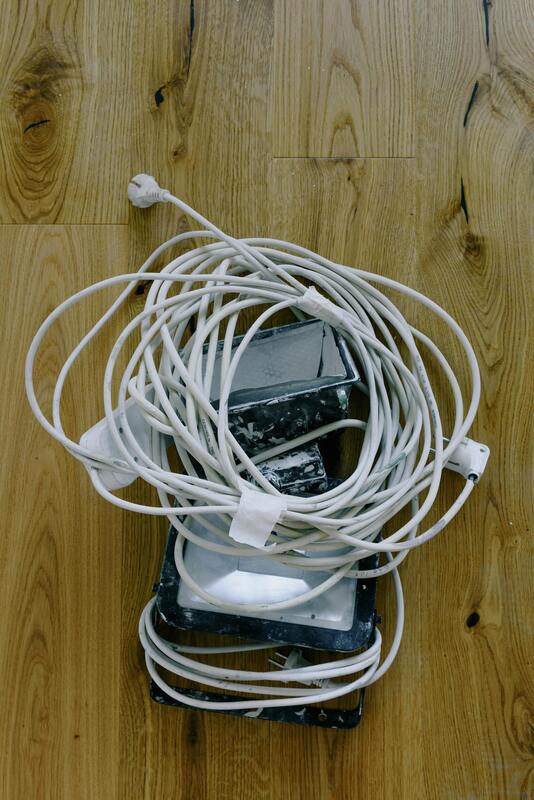
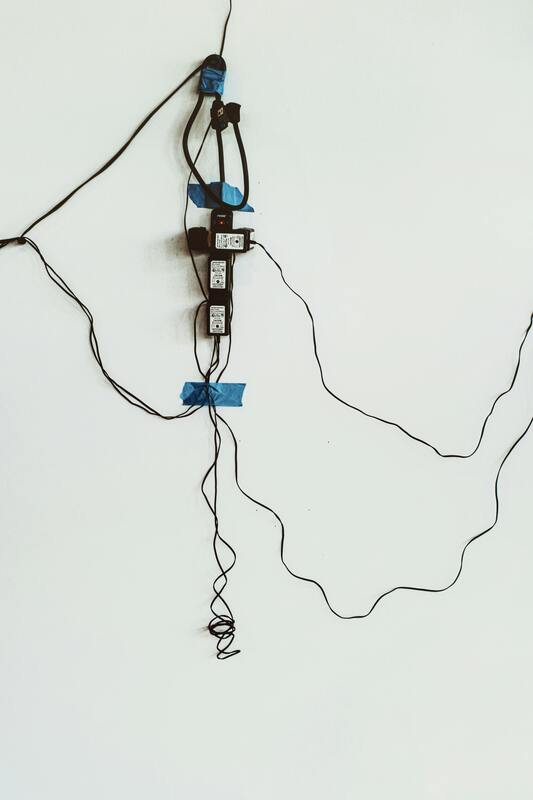
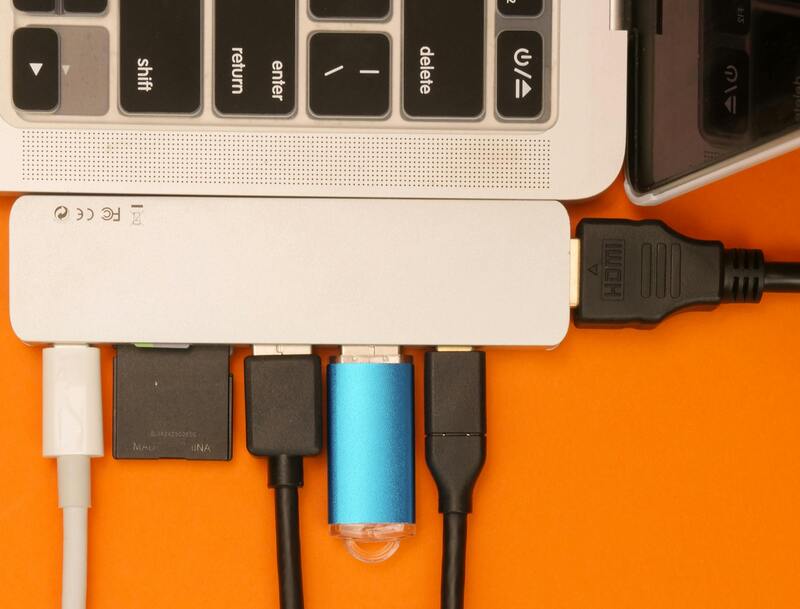
An extension cord lets you plug many things into one wall socket. Usually, they have:
* A power cord
* A plug for the wall
* A strip with outlets (from 2 to 8 or more)
Sometimes they also have switches, a fuse, a light, or USB ports.
**What to Look For:**
| Part | Description | Check This |
| --------------- | ------------------------------- | ----------------------------------------------------------------------------- |
| Plug | Goes in the wall | Make sure pins aren't loose or bent. Check the voltage rating (like 10A/250V) |
| Cord | Connects the plug to the strip | Should be thick enough (1.0–1.5 mm² copper for 10A–13A). |
| Outlets | Where you plug stuff in | Should grip plugs tightly. |
| Switch (maybe) | Turns power on/off | Should click and light up (if it has a light). |
| Light | Shows power is on | Not a big deal, but nice to have. |
| Fuse (maybe) | Protects from power surges | Stops overloads or shorts. |
| Surge protector | Protects electronics | Good for computers. |
| USB ports | Charges stuff directly | Check the voltage (usually 5V 2A or 3A total). |
**Important Power Stuff:**
* Most homes use 220–240V (or 110–120V, like in the US).
* Cords are usually 6A, 10A, or 13A.
* Power (Watts) = Voltage × Current
* Example: 10A × 240V = 2400W max
Don't go over the limit, or it could overheat or catch fire!
**Types of Cords:**
| Type | What It Is | Good For |
| ------------------------ | ------------------------------- | ---------------------------------------- |
| Basic (2–4 outlets) | No switch or fuse | Small stuff like lights and chargers |
| With individual switches | Each outlet has its own switch | Computers, routers, TVs |
| Heavy-duty | Thick cord, higher power (16A) | Things like irons and heaters |
| Surge protection | Protects electronics | TVs, computers, game consoles |
| USB ports | Has USB ports built-in | Charging phones and tablets |
**Safety Time:**
* Don't overload it – add up the watts of everything you plug in.
* Example: Iron (1200W) + Fan (60W) + Charger (20W) = 1280W total (okay for a 10A cord).
* Don't plug one extension cord into another.
* Keep it dry – don't use it in wet places.
* If it gets hot, unplug it!
* Replace damaged cords – don't just tape them.
* Get a cord with a fuse if you can.
* Use grounded (3-prong) cords for computers.
**Bad Signs:**
* Feels like cheap, light plastic
* Thin cord (less than 0.75 mm²)
* No fuse
* Sparks or loose outlets
* No info about voltage or power
* No ground plug
**Taking Care of It:**
* Clean off dust.
* Don't wrap the cord up super tight (it can get hot).
* Good ones last 3–5 years, cheap ones don't last as long.
**Tech Info (If You're Into That):**
| Parameter | Good Range |
| ----------------------- | -------------------- |
| Cord thickness | 1.0–1.5 mm² (copper) |
| Plug | 10A–13A, 250V AC |
| Outlet type | Depends on country |
| Max power | 2000–3000W |
| How well it insulates | ≥5 MΩ |
| How much it leaks power | ≤0.5 mA |
**Quick Check Before Using:**
✅ Plug fits tight
✅ Cord looks good
✅ Cord isn't hot after using it
✅ Right power for what you're plugging in
✅ Switches and light work
✅ Ground is good
* A power cord
* A plug for the wall
* A strip with outlets (from 2 to 8 or more)
Sometimes they also have switches, a fuse, a light, or USB ports.
**What to Look For:**
| Part | Description | Check This |
| --------------- | ------------------------------- | ----------------------------------------------------------------------------- |
| Plug | Goes in the wall | Make sure pins aren't loose or bent. Check the voltage rating (like 10A/250V) |
| Cord | Connects the plug to the strip | Should be thick enough (1.0–1.5 mm² copper for 10A–13A). |
| Outlets | Where you plug stuff in | Should grip plugs tightly. |
| Switch (maybe) | Turns power on/off | Should click and light up (if it has a light). |
| Light | Shows power is on | Not a big deal, but nice to have. |
| Fuse (maybe) | Protects from power surges | Stops overloads or shorts. |
| Surge protector | Protects electronics | Good for computers. |
| USB ports | Charges stuff directly | Check the voltage (usually 5V 2A or 3A total). |
**Important Power Stuff:**
* Most homes use 220–240V (or 110–120V, like in the US).
* Cords are usually 6A, 10A, or 13A.
* Power (Watts) = Voltage × Current
* Example: 10A × 240V = 2400W max
Don't go over the limit, or it could overheat or catch fire!
**Types of Cords:**
| Type | What It Is | Good For |
| ------------------------ | ------------------------------- | ---------------------------------------- |
| Basic (2–4 outlets) | No switch or fuse | Small stuff like lights and chargers |
| With individual switches | Each outlet has its own switch | Computers, routers, TVs |
| Heavy-duty | Thick cord, higher power (16A) | Things like irons and heaters |
| Surge protection | Protects electronics | TVs, computers, game consoles |
| USB ports | Has USB ports built-in | Charging phones and tablets |
**Safety Time:**
* Don't overload it – add up the watts of everything you plug in.
* Example: Iron (1200W) + Fan (60W) + Charger (20W) = 1280W total (okay for a 10A cord).
* Don't plug one extension cord into another.
* Keep it dry – don't use it in wet places.
* If it gets hot, unplug it!
* Replace damaged cords – don't just tape them.
* Get a cord with a fuse if you can.
* Use grounded (3-prong) cords for computers.
**Bad Signs:**
* Feels like cheap, light plastic
* Thin cord (less than 0.75 mm²)
* No fuse
* Sparks or loose outlets
* No info about voltage or power
* No ground plug
**Taking Care of It:**
* Clean off dust.
* Don't wrap the cord up super tight (it can get hot).
* Good ones last 3–5 years, cheap ones don't last as long.
**Tech Info (If You're Into That):**
| Parameter | Good Range |
| ----------------------- | -------------------- |
| Cord thickness | 1.0–1.5 mm² (copper) |
| Plug | 10A–13A, 250V AC |
| Outlet type | Depends on country |
| Max power | 2000–3000W |
| How well it insulates | ≥5 MΩ |
| How much it leaks power | ≤0.5 mA |
**Quick Check Before Using:**
✅ Plug fits tight
✅ Cord looks good
✅ Cord isn't hot after using it
✅ Right power for what you're plugging in
✅ Switches and light work
✅ Ground is good
🧱 1. What's Inside?
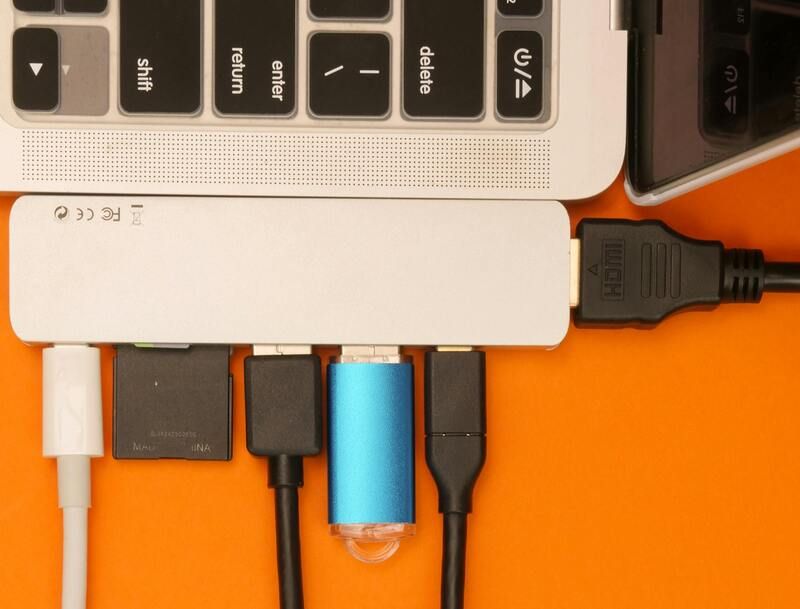
These are the main parts you'll see when you peek inside:
* **Power Cord:** This is usually a 2-wire (for basic) or 3-wire (for grounded) cable. Make sure it's real copper, not that cheap stuff.
* **Conducting Strips:** These connect the sockets. Brass or bronze is good—avoid iron.
* **Socket Cases:** The plastic parts holding the sockets. They're usually made of a tough plastic like PC or ABS.
* **Switches:** These cut off the power to each socket. They should only cut the hot wire.
* **Fuse:** This protects against too much power. Common ones are 6A, 10A, or 13A.
* **Indicator Light:** A small light showing if it's on. Uses hardly any power.
* **Surge Protector (Optional):** This protects against power spikes.
* **Resettable Breaker (Optional):** Like a fuse, but you can reuse it.
* **USB Charger (Optional):** Changes regular power to USB power. Should be safe and separated.
🧮 2. How Much Power Can It Handle?
Be careful not to overload things!
* **How to figure it out:** Power (in Watts) = Voltage (in Volts) x Current (in Amps)
* **Example:** If it says 10A at 250V, it can handle a maximum of 2500 Watts.
Here's a general idea of what uses what:
* Phone charger: Okay
* Laptop: Okay
* TV: Okay
* Fan: Okay
* Iron: Be careful. Use it alone on one socket.
* Heater: Needs a heavy-duty board.
* Refrigerator: Not a good idea.
* Washing Machine: Better to have its own outlet.
**Pro Tip:** Don't use more than about 70% of what the board is rated for, to be safe.
🧰 3. How It's Wired
Here's a simple look at how the wires connect (for grounded ones):
```
[FUSE]----[SWITCH]----[SOCKET HOT WIRE]
| |
| |
[HOT WIRE] ------------------------|
[NEUTRAL]----------------------[SOCKET NEUTRAL WIRE]
[GROUND]------------------------[SOCKET GROUND WIRE]
```
* The fuse and switch are always on the hot wire.
* The neutral and ground wires go straight through.
* The indicator light is between the hot and neutral wires.
🔩 4. What To Look For (Good vs. Bad)
* **Plastic:** Cheap melts easy. Get the fire-resistant kind.
* **Metal Parts:** Avoid iron. Get thick brass or bronze.
* **Wire:** Real copper is the best.
* **Switch:** Should feel solid.
* **Plug:** Solid metal pins are better.
* **Weight:** A good one will feel heavier.
🧯 5. Safety Stuff
* **Fuse:** Cuts power if there's too much. You need this.
* **Surge Protector:** Protects from spikes. Good for electronics.
* **Overload Switch:** Trips automatically if it's too much. Even better.
* **Ground Wire:** Important for safety. Always get one.
* **Child Safety Covers:** Keeps kids from sticking stuff in. A must if you have kids.
* **EMI Filter:** Reduces noise in the power. Nice to have.
🔍 6. Checking It Out (Especially if it's no-name)
Before you use it, do these:
* **Continuity Test:** Makes sure the wires are connected right (use a multimeter).
* **Polarity Test:** Makes sure the switch and fuse are on the hot wire.
* **Insulation Test:** Makes sure there's good insulation (use a multimeter).
* **Socket Test:** Plugs should fit tight.
* **Heat Test:** Run it for a bit and make sure the plastic doesn't get too hot.
⚡ 7. What The Symbols Mean
Some boards try to look like they're certified. Look for these:
* IS (India): For sockets and wires.
* CE (Europe): Means it meets safety rules.
* BS (UK): British plug/socket thing.
* UL (USA): Tested by Underwriters Laboratories.
* VDE / TUV (Germany): Tested for safety.
Don't trust stickers. The real marks are part of the plastic.
🧠 8. Extra Goodies
* Fire-resistant plastic: Safer.
* Thick copper: Works better, less heat.
* Sockets that fit different plugs: Good for travel.
* USB surge protection: Keeps your phone safe.
* Master switch: Turns everything off at once to save power.
* Cable clip: Keeps the cable neat.
🧨 9. Problems and Fixes
* **Loose Socket:** The metal inside is bent. Fix it or replace it.
* **Light's Out:** Bulb is dead. Replace it.
* **Board Gets Hot:** Too much power or bad connection. Use less power or clean the metal.
* **Fuse Blows:** Too much power. Use a bigger fuse (but not too big!).
* **Crackling:** Stop using it! It's sparking.
* **USB doesn't work:** The charger is broken. Replace it if you know what you're doing.
🧾 10. How To Make Them Last
* Don't use too much power.
* Plug and unplug gently.
* Keep it dry and out of the sun.
* Coil the cable loosely.
* Check it now and then.
* Mark the sockets for heavy stuff.
* Store it standing up when you're not using it.
🧭 11. Size and Power Guide
| Feature | Light-Duty | Heavy-Duty |
| --------------- | ---------- | ---------- |
| Cable size | Smaller | Bigger |
| Plug | Lower | Higher |
| Max Power | Less | More |
| Sockets | Fewer | More |
| Length | Shorter | Longer |
| Fuse | Lower | Higher |
📚 12. Cool Extras
Some have:
* WiFi control (works with Alexa/Google)
* Better surge protection
* Timers
* Fast USB charging
* Power meters
If it's a no-name brand, be extra careful about what it says it can do.
These are the main parts you'll see when you peek inside:
* **Power Cord:** This is usually a 2-wire (for basic) or 3-wire (for grounded) cable. Make sure it's real copper, not that cheap stuff.
* **Conducting Strips:** These connect the sockets. Brass or bronze is good—avoid iron.
* **Socket Cases:** The plastic parts holding the sockets. They're usually made of a tough plastic like PC or ABS.
* **Switches:** These cut off the power to each socket. They should only cut the hot wire.
* **Fuse:** This protects against too much power. Common ones are 6A, 10A, or 13A.
* **Indicator Light:** A small light showing if it's on. Uses hardly any power.
* **Surge Protector (Optional):** This protects against power spikes.
* **Resettable Breaker (Optional):** Like a fuse, but you can reuse it.
* **USB Charger (Optional):** Changes regular power to USB power. Should be safe and separated.
🧮 2. How Much Power Can It Handle?
Be careful not to overload things!
* **How to figure it out:** Power (in Watts) = Voltage (in Volts) x Current (in Amps)
* **Example:** If it says 10A at 250V, it can handle a maximum of 2500 Watts.
Here's a general idea of what uses what:
* Phone charger: Okay
* Laptop: Okay
* TV: Okay
* Fan: Okay
* Iron: Be careful. Use it alone on one socket.
* Heater: Needs a heavy-duty board.
* Refrigerator: Not a good idea.
* Washing Machine: Better to have its own outlet.
**Pro Tip:** Don't use more than about 70% of what the board is rated for, to be safe.
🧰 3. How It's Wired
Here's a simple look at how the wires connect (for grounded ones):
```
[FUSE]----[SWITCH]----[SOCKET HOT WIRE]
| |
| |
[HOT WIRE] ------------------------|
[NEUTRAL]----------------------[SOCKET NEUTRAL WIRE]
[GROUND]------------------------[SOCKET GROUND WIRE]
```
* The fuse and switch are always on the hot wire.
* The neutral and ground wires go straight through.
* The indicator light is between the hot and neutral wires.
🔩 4. What To Look For (Good vs. Bad)
* **Plastic:** Cheap melts easy. Get the fire-resistant kind.
* **Metal Parts:** Avoid iron. Get thick brass or bronze.
* **Wire:** Real copper is the best.
* **Switch:** Should feel solid.
* **Plug:** Solid metal pins are better.
* **Weight:** A good one will feel heavier.
🧯 5. Safety Stuff
* **Fuse:** Cuts power if there's too much. You need this.
* **Surge Protector:** Protects from spikes. Good for electronics.
* **Overload Switch:** Trips automatically if it's too much. Even better.
* **Ground Wire:** Important for safety. Always get one.
* **Child Safety Covers:** Keeps kids from sticking stuff in. A must if you have kids.
* **EMI Filter:** Reduces noise in the power. Nice to have.
🔍 6. Checking It Out (Especially if it's no-name)
Before you use it, do these:
* **Continuity Test:** Makes sure the wires are connected right (use a multimeter).
* **Polarity Test:** Makes sure the switch and fuse are on the hot wire.
* **Insulation Test:** Makes sure there's good insulation (use a multimeter).
* **Socket Test:** Plugs should fit tight.
* **Heat Test:** Run it for a bit and make sure the plastic doesn't get too hot.
⚡ 7. What The Symbols Mean
Some boards try to look like they're certified. Look for these:
* IS (India): For sockets and wires.
* CE (Europe): Means it meets safety rules.
* BS (UK): British plug/socket thing.
* UL (USA): Tested by Underwriters Laboratories.
* VDE / TUV (Germany): Tested for safety.
Don't trust stickers. The real marks are part of the plastic.
🧠 8. Extra Goodies
* Fire-resistant plastic: Safer.
* Thick copper: Works better, less heat.
* Sockets that fit different plugs: Good for travel.
* USB surge protection: Keeps your phone safe.
* Master switch: Turns everything off at once to save power.
* Cable clip: Keeps the cable neat.
🧨 9. Problems and Fixes
* **Loose Socket:** The metal inside is bent. Fix it or replace it.
* **Light's Out:** Bulb is dead. Replace it.
* **Board Gets Hot:** Too much power or bad connection. Use less power or clean the metal.
* **Fuse Blows:** Too much power. Use a bigger fuse (but not too big!).
* **Crackling:** Stop using it! It's sparking.
* **USB doesn't work:** The charger is broken. Replace it if you know what you're doing.
🧾 10. How To Make Them Last
* Don't use too much power.
* Plug and unplug gently.
* Keep it dry and out of the sun.
* Coil the cable loosely.
* Check it now and then.
* Mark the sockets for heavy stuff.
* Store it standing up when you're not using it.
🧭 11. Size and Power Guide
| Feature | Light-Duty | Heavy-Duty |
| --------------- | ---------- | ---------- |
| Cable size | Smaller | Bigger |
| Plug | Lower | Higher |
| Max Power | Less | More |
| Sockets | Fewer | More |
| Length | Shorter | Longer |
| Fuse | Lower | Higher |
📚 12. Cool Extras
Some have:
* WiFi control (works with Alexa/Google)
* Better surge protection
* Timers
* Fast USB charging
* Power meters
If it's a no-name brand, be extra careful about what it says it can do.